Measure. Define. Prototype. Measure.
ShipCadence brings your customer feedback and product data together, helps you choose what to test, and shows whether the change worked.
Measure
Customer needs and a starting point
Define
One change and a clear goal
Prototype
Something customers can try
The ShipCadence system
From customer need to a measured result.
Measure
Understand the problem
Bring selected feedback and product data into one place.
Review
Keep what matters
Review every item before it shapes product work.
Define
Choose one change
Set a clear goal and decide how you will judge the result.
Prototype
Make it testable
Send a clear brief to your AI tool or use a hosted prototype.
Measure
Learn from the result
Compare what happened with the goal and choose the next step.
Connect the tools you already use.
Choose the Jira projects, repos, conversations, and analytics ShipCadence can use. Keep customer needs and results in one place.
 GitHub
 Slack
Slack Jira
Jira Google Analytics
 PostHog
 Mixpanel
 Plausible
 Fathom
 Simple Analytics
 OpenAI Codex
 Claude Code
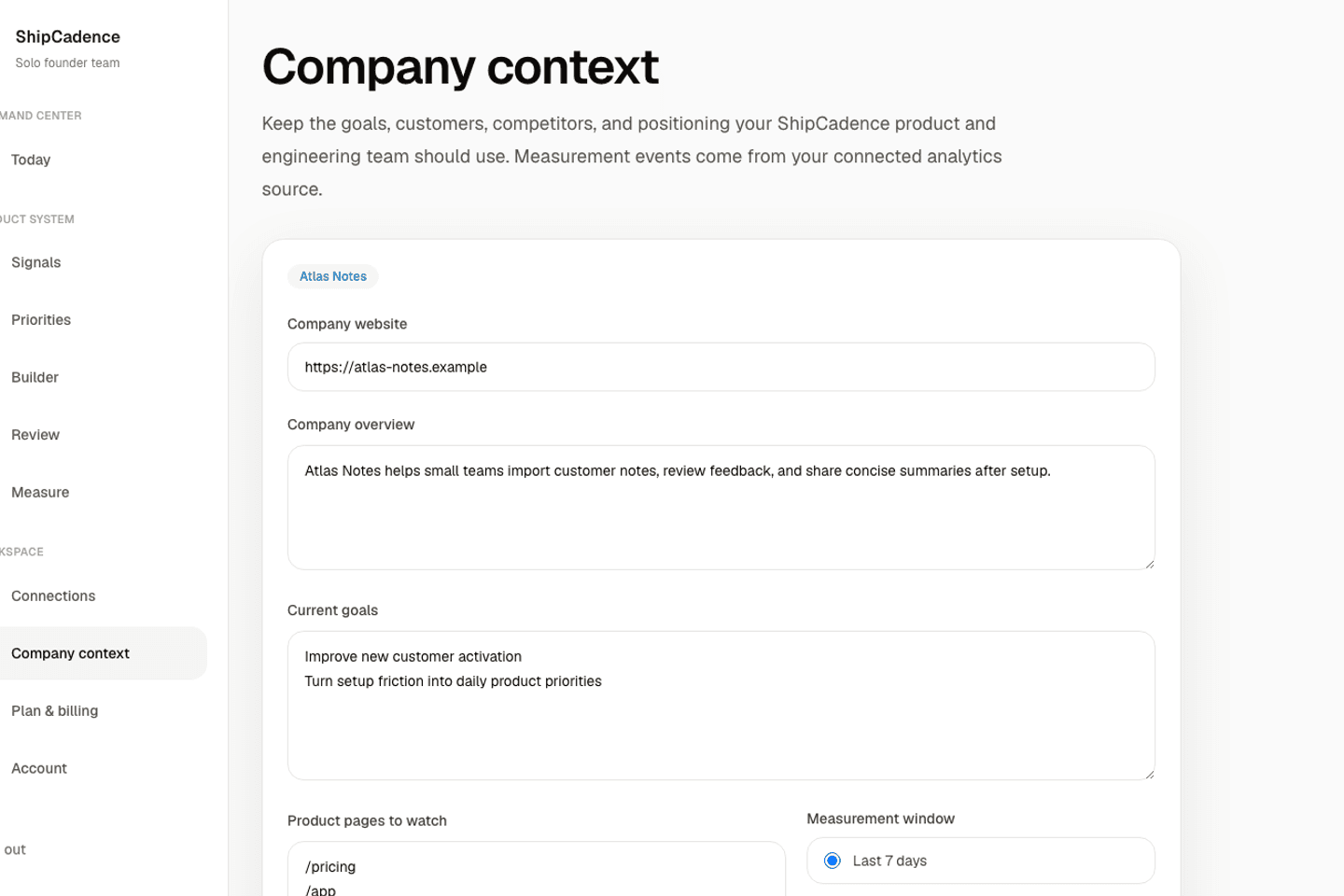
Start with your goals and customers.
Tell ShipCadence what your product does, who it serves, and what you want to improve.
Draft the basics from your website, then edit anything that is not right.
Update your goals whenever the business changes.
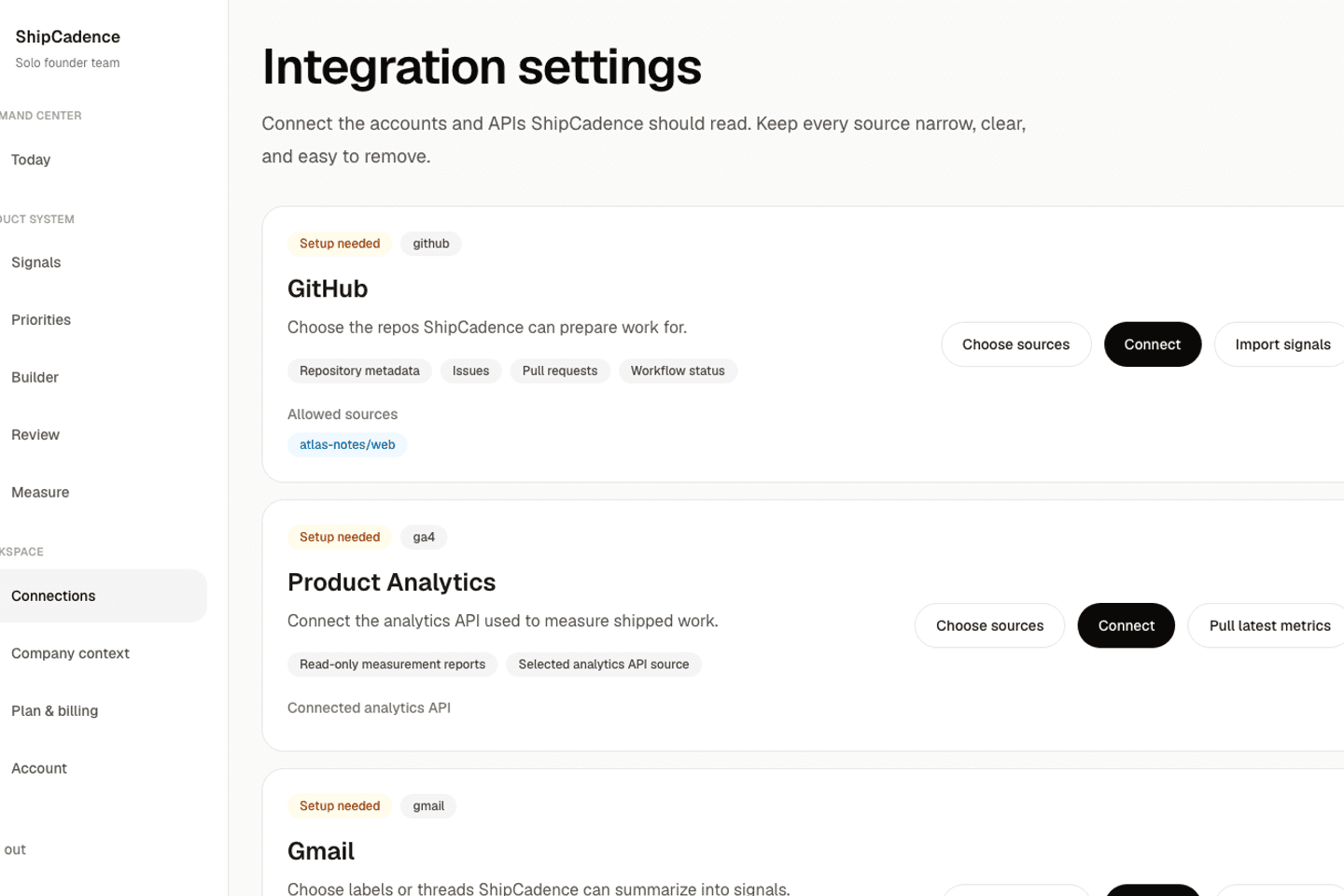
Connect only the sources you approve.
Choose the Jira projects, GitHub repos, Slack channels, and analytics sources ShipCadence can use.
ShipCadence reads only the projects, repos, channels, and analytics properties you select.
See what is connected and remove access at any time.
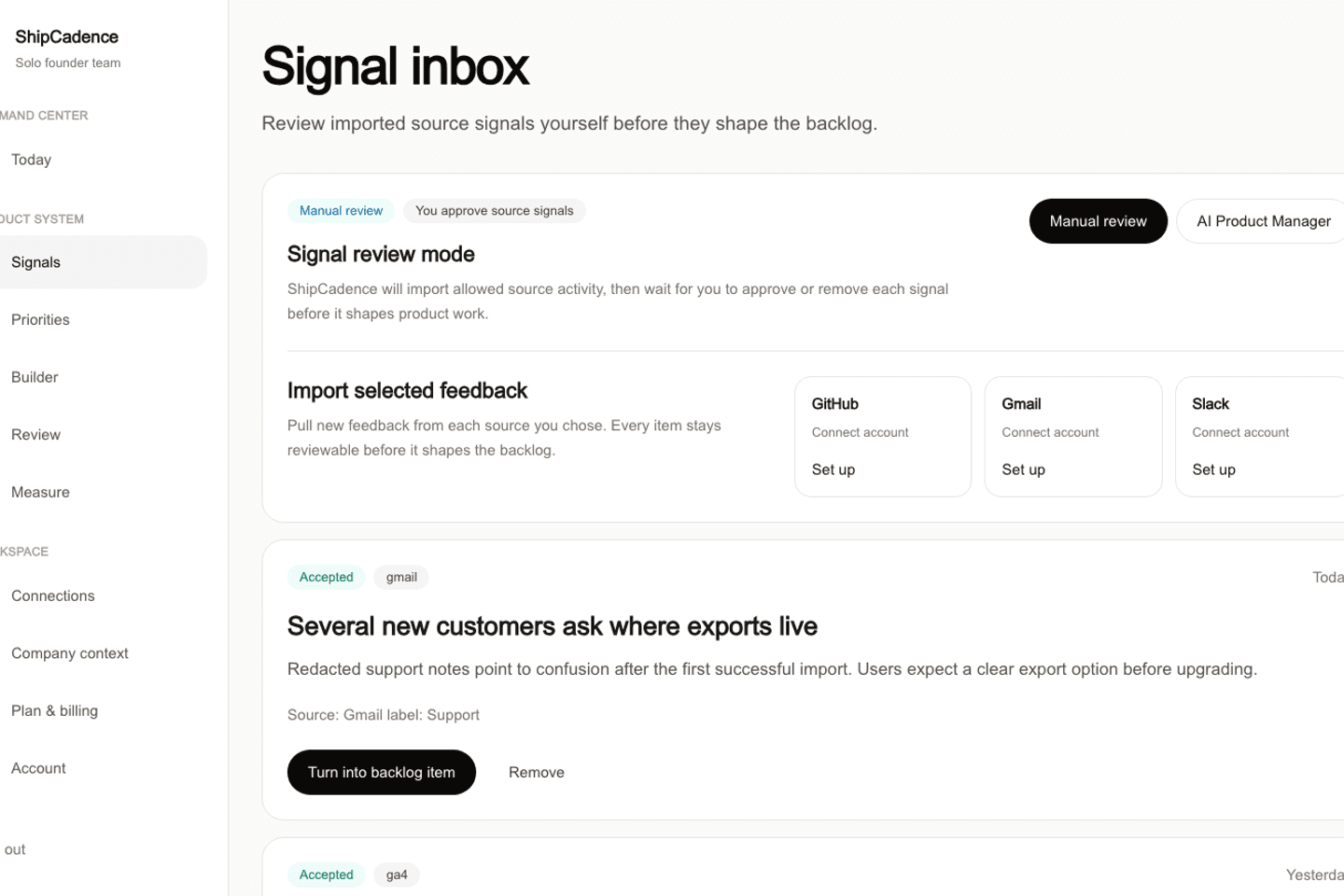
Keep the feedback that matters.
Review each imported item before ShipCadence uses it to suggest product work.
See where every item came from.
Keep useful feedback and remove noise.
Choose one thing to test next.
ShipCadence turns your strongest evidence into one focused change, who it should help, and how you will judge it.
See the customer evidence behind the suggestion.
Know the goal and what result would make you continue, change course, or stop.
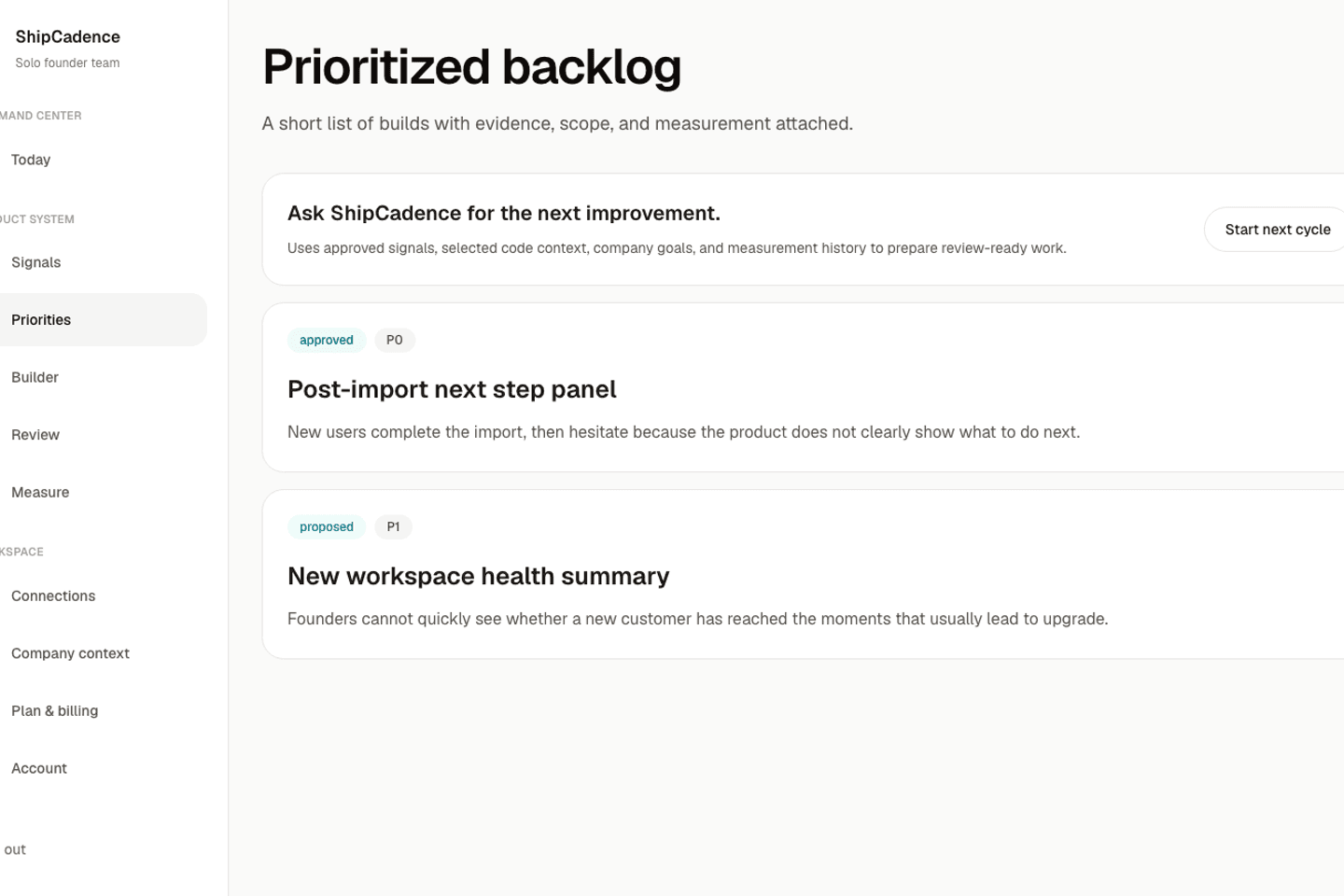
Give your team a brief they can use.
Each approved change gets clear scope, success checks, test notes, and a measurement plan.
Hand off the work without writing a long product spec yourself.
Add a wireframe or technical notes when the builder needs them.
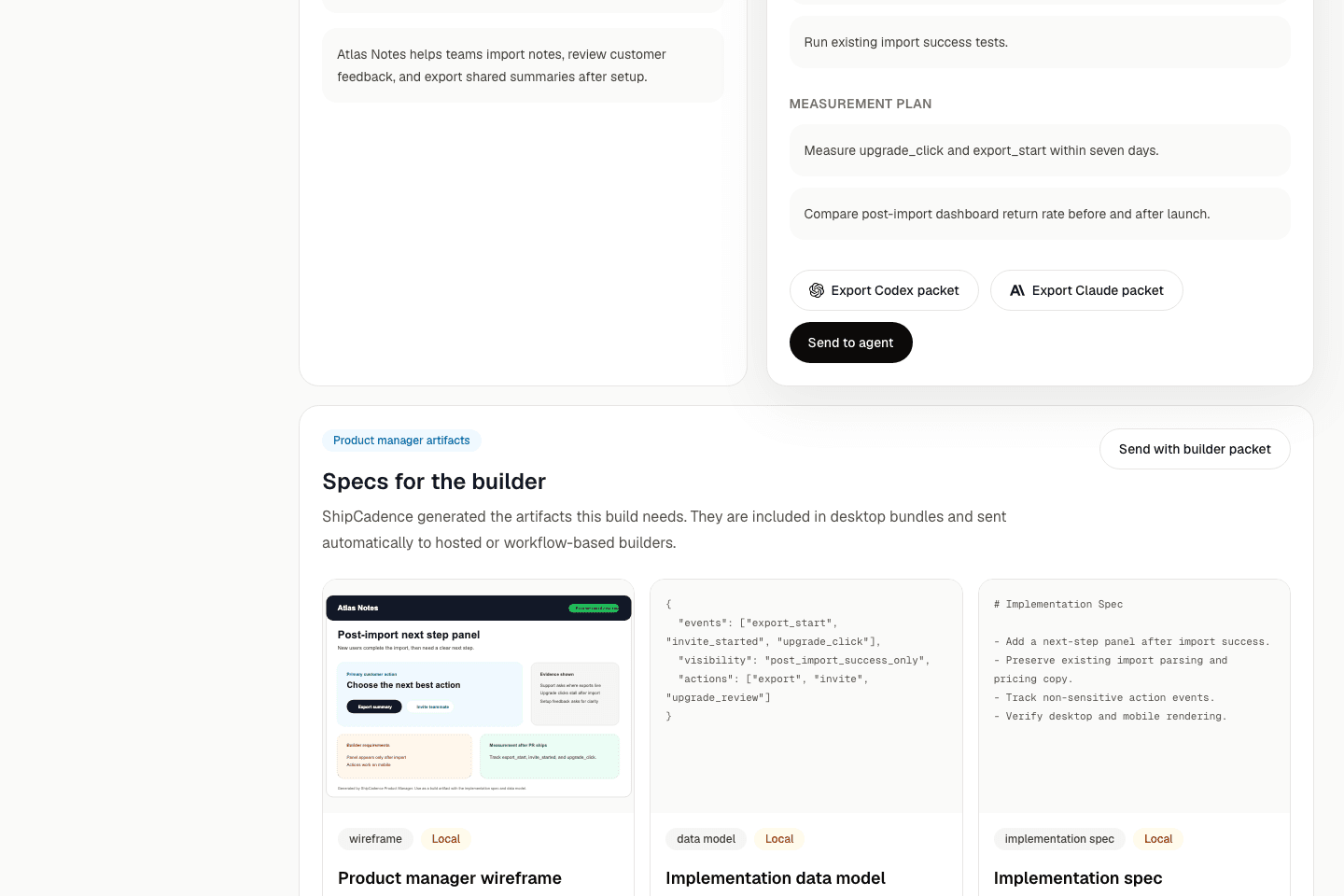
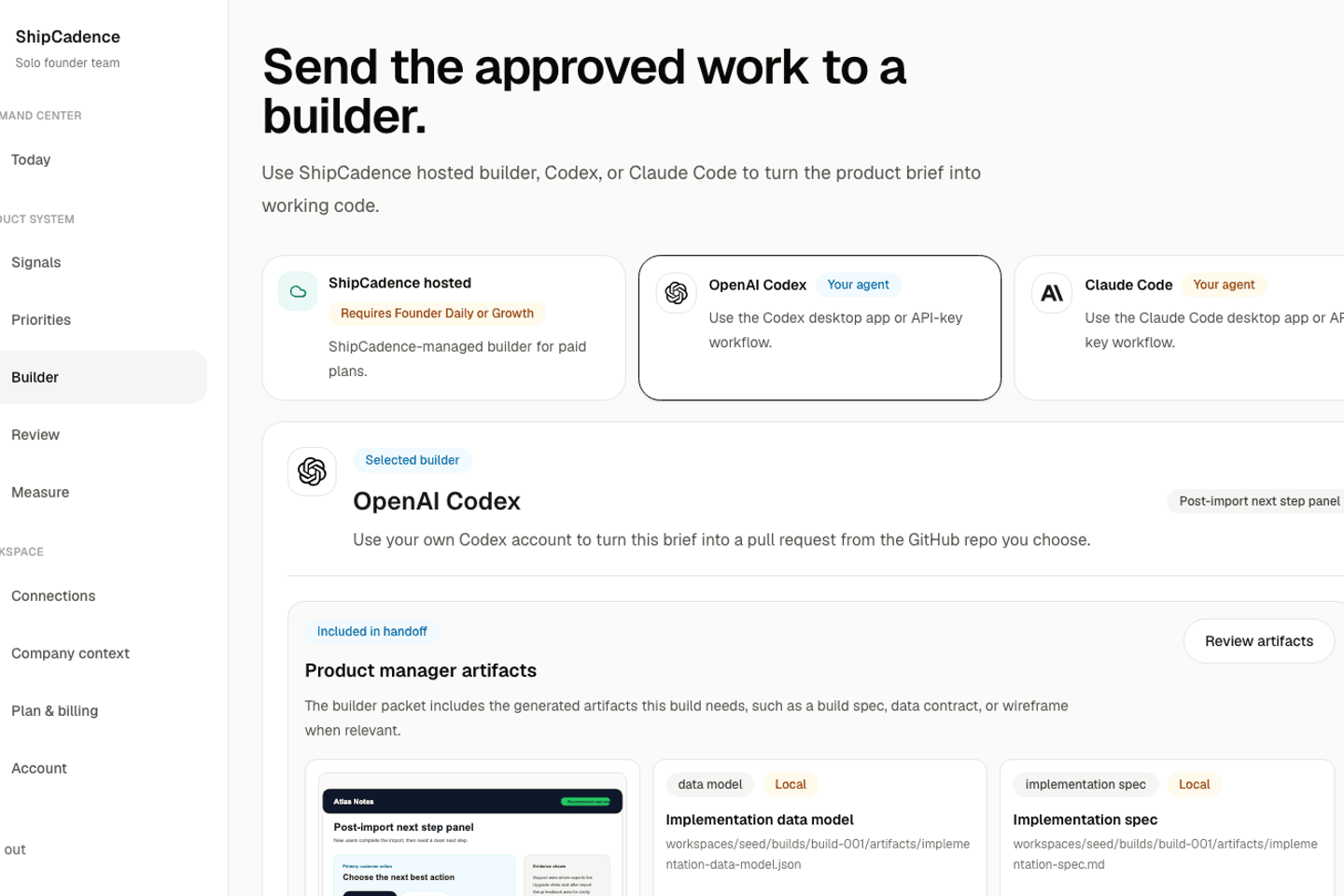
Create a prototype with the AI tools you already use.
Send the approved brief to your own AI coding tool, or use a hosted ShipCadence prototype.
You approve every brief and review the result.
Share a preview, record what customers do, and decide what comes next.
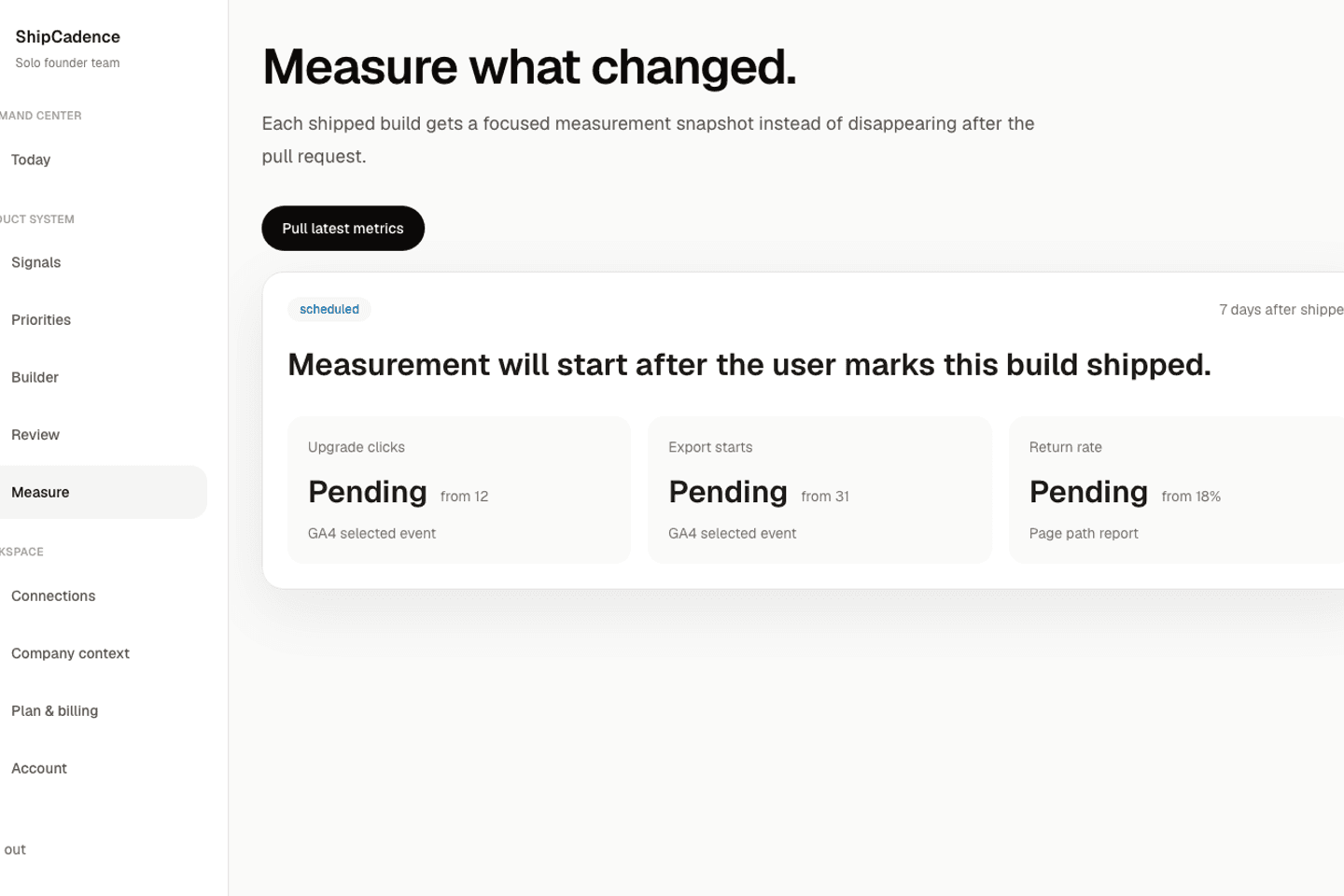
See whether the change worked.
Compare the GA4 result with the starting point and keep the learning with the original decision.
ShipCadence starts measuring after the linked change ships.
Use the result to keep going, revise the idea, or stop.